
LinkedIn Headshot Generator
Stand out on LinkedIn with a professional AI-generated headshot. Increase profile views by 14x with studio-quality photos.
30-second generation • Free unlimited regeneration • No photography session required
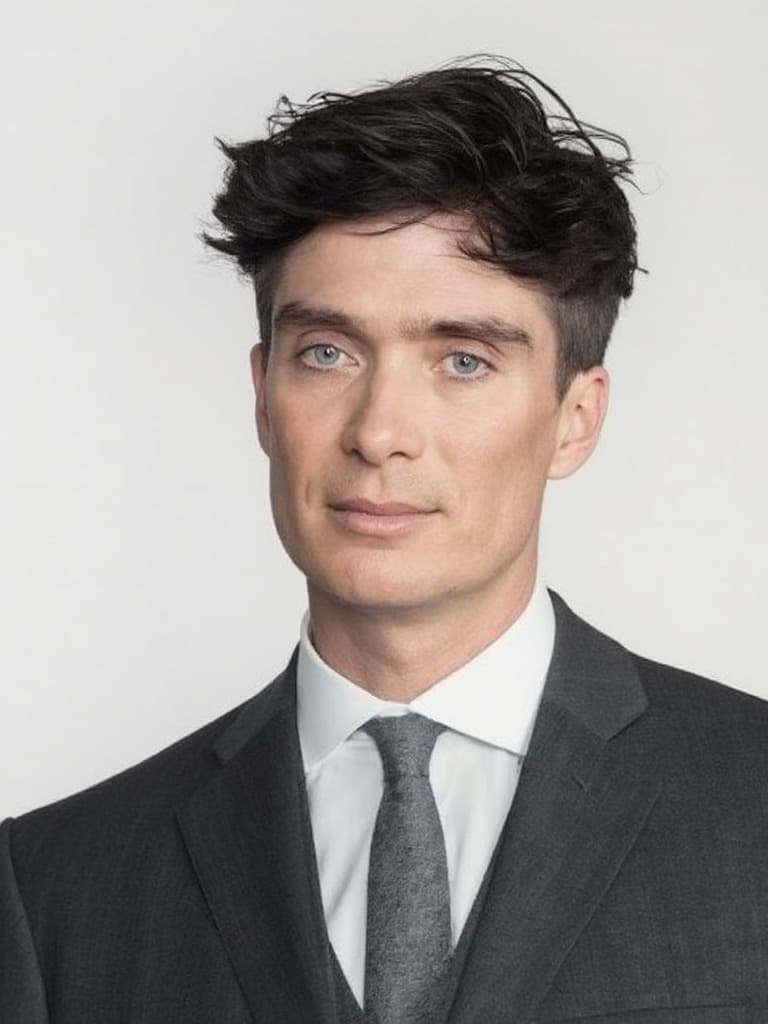
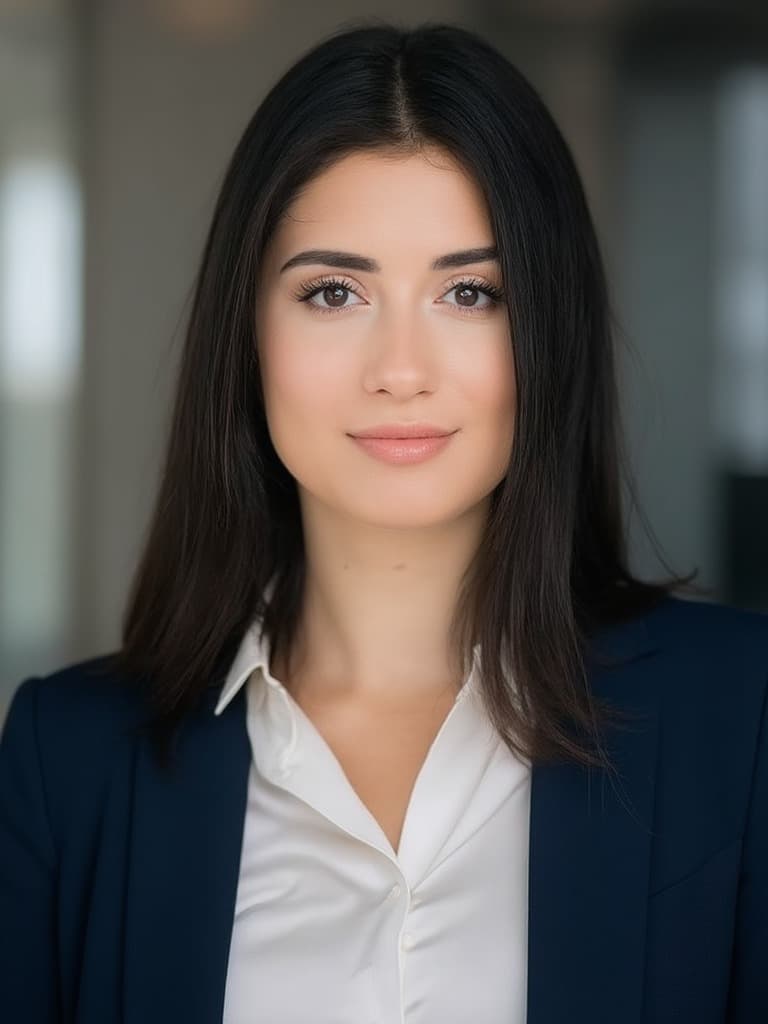
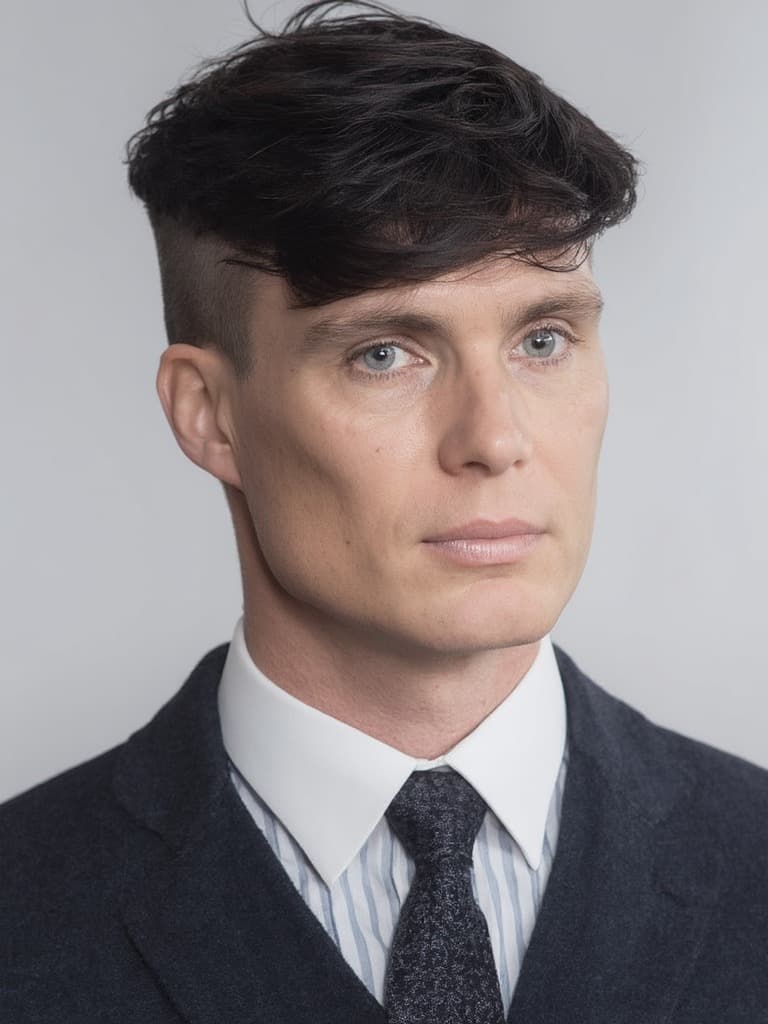
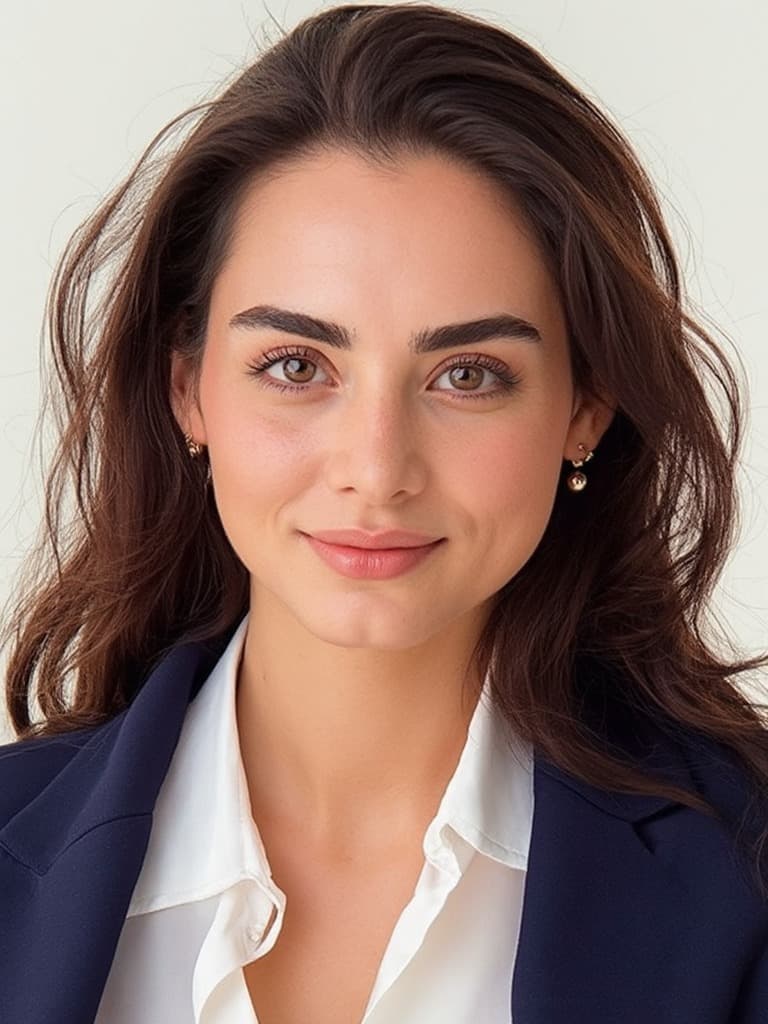
Why Your LinkedIn Headshot Matters
LinkedIn research shows professional photos dramatically increase your visibility and opportunities.
More profile views with a professional headshot
More messages from recruiters and connections
Of people judge professionalism by profile photo
LinkedIn Headshot Best Practices
Our AI generator automatically applies LinkedIn's recommended headshot standards.
Professional Background
LinkedIn recommends clean, uncluttered backgrounds that don't distract from your face. Choose soft bokeh office settings, modern workspaces, or neutral solid colors. Avoid busy patterns, home environments, or outdoor distractions.
Business Attire
Dress for the job you want. Wear professional clothing appropriate for your industry — formal business suits for corporate roles, business casual for tech and creative fields. Our AI offers formal, semi-formal, and smart casual options.
Direct Eye Contact
Look directly at the camera to create engagement and trust. LinkedIn profiles with direct eye contact receive significantly more connection requests and profile views. Our AI preserves your natural gaze direction.
Proper Framing
LinkedIn recommends head-and-shoulders framing with your face taking up 60% of the frame. Leave appropriate space above your head and ensure your shoulders are visible. Our AI applies professional composition automatically.
Create Your LinkedIn Headshot in 30 Seconds
No photography session, no studio, no waiting. Get your professional LinkedIn photo instantly.
Upload Photo
Upload one clear photo. Our AI validates it meets LinkedIn requirements.
Choose Style
Select background and attire that match your industry and personal brand.
Generate
AI creates your LinkedIn headshot in 30 seconds with studio lighting.
Upload to LinkedIn
Download and upload your professional photo to boost your profile.
Optimize Your LinkedIn Profile Beyond Your Headshot
Maximize your LinkedIn presence with these additional optimization strategies.
Update Your Headline
Your headline appears next to your photo in search results. Make it keyword-rich and value-focused. Instead of just your job title, include your specialty and value proposition (e.g., 'Marketing Director | B2B Growth Strategist | SaaS Expert').
Craft a Compelling About Section
Your About section should tell your professional story in first person. Include your expertise, accomplishments, and what makes you unique. Use keywords relevant to your industry to improve search visibility.
Showcase Your Experience
Detail your responsibilities and accomplishments in each role. Use bullet points and quantify achievements with metrics. Rich experience sections combined with a professional headshot significantly boost profile engagement.
Request Recommendations
LinkedIn recommendations from colleagues, clients, and managers add social proof to your profile. Profiles with recommendations and professional photos are perceived as more credible and receive more connection requests.
LinkedIn Headshots by Industry
Tailor your LinkedIn headshot to your industry's professional standards.
Corporate & Finance
Formal business attire, conservative styling, and professional office backgrounds. Traditional suit and tie or formal blazer with neutral colors.
Tech & Startups
Business casual or smart casual attire. Modern workspace or clean backgrounds. Slightly more relaxed while maintaining professionalism.
Creative Industries
Express personality while staying professional. Business casual attire with interesting but undistracting backgrounds. Show approachability.
Healthcare
Professional medical attire or business professional. Clean, neutral backgrounds. Project trust, competence, and approachability.
Sales & Marketing
Polished, approachable appearance. Business professional or smart casual. Warm, engaging expressions that convey confidence.
Consulting
Traditional business professional. Formal attire with conservative styling. Project expertise, credibility, and trustworthiness.
LinkedIn Headshot FAQ
Common questions about LinkedIn profile photos and AI headshots.
Ready to Boost Your LinkedIn Profile?
Join thousands of professionals using AI-generated headshots to increase their LinkedIn visibility and career opportunities.
Increase profile views by 14x • Free unlimited regeneration • Commercial usage rights